

Sync Action UI Elements Examples
Some UI elements use sync actions to get some values dynamically from the component code. This section provides a list of the elements currently supported.
Each element specifies the action attribute, which relates to the name of the sync action registered in the Developer Portal.
Dynamically Loaded Dropdowns
Section titled “Dynamically Loaded Dropdowns”Drop-down lists (values and labels) can be loaded by the component sync action.
The sync action code has to return the following stdout:
[ { label: 'Joe', value: 'joe' }, { label: 'Doe', value: 'doe }, { label: 'Jane', value: 'jane' }]The label value is optional.
When used in Python, you can use the SelectElement class as a return value.
Dynamically loaded multi select
Section titled “Dynamically loaded multi select”{ "test_columns": { "type": "array", "propertyOrder": 10, "description": "Element loaded by an arbitrary sync action.", "items": { "enum": [], "type": "string" }, "format": "select", "options": { "async": { "label": "Re-load test columns", "action": "testColumns" } }, "uniqueItems": true }}The above code will create the following element, which triggers an action named testColumns:
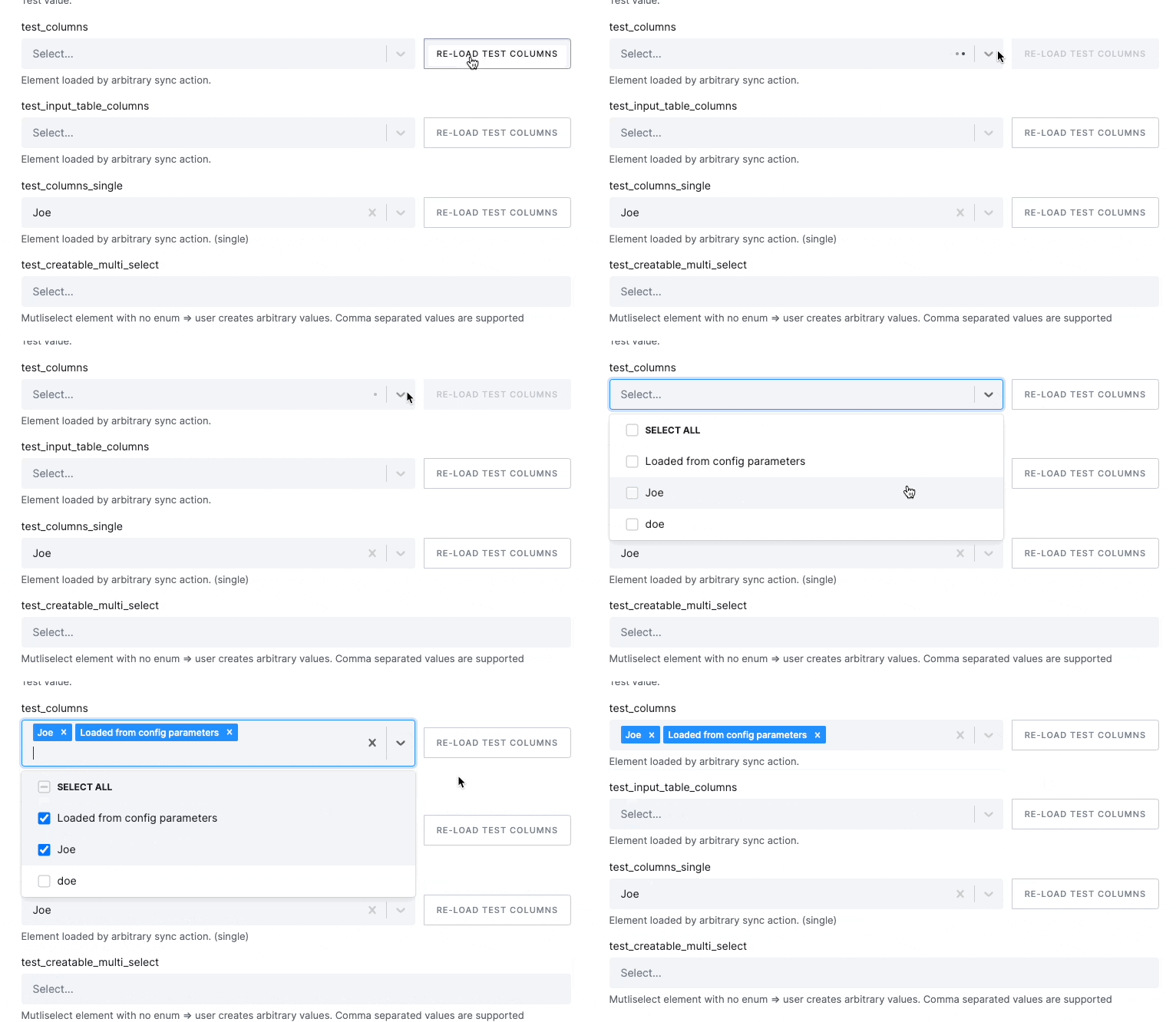
Dynamically loaded single select
Section titled “Dynamically loaded single select”{ "test_columns_single": { "propertyOrder": 40, "type": "string", "description": "Element loaded by an arbitrary sync action (single).", "enum": [], "format": "select", "options": { "async": { "label": "Re-load test columns", "action": "testColumns" } } }}The above code will create the following element, which triggers the testColumns action:

Generic Validation Button
Section titled “Generic Validation Button”This button can be used to return feedback from the component. The output supports Markdown.
Example use cases are query testing, testing connection, report validation, etc.
The sync action code has to return the following stdout (JSON string):
{ "message": "###This is display text. \n\n It can contain **Markdown** notation. ", "type": "info", "status": "success"}Available options
Section titled “Available options”type: possible values: success, info, warning, error, tablestatus: possible values: success, error
Custom Icons
Section titled “Custom Icons”Markdown supports special status icons that are rendered in Keboola UI style. The following icons are supported:
![success]()![warning]()![error]()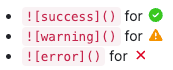
When used in Python, you can use the ValidationResult class as a return value.
Example
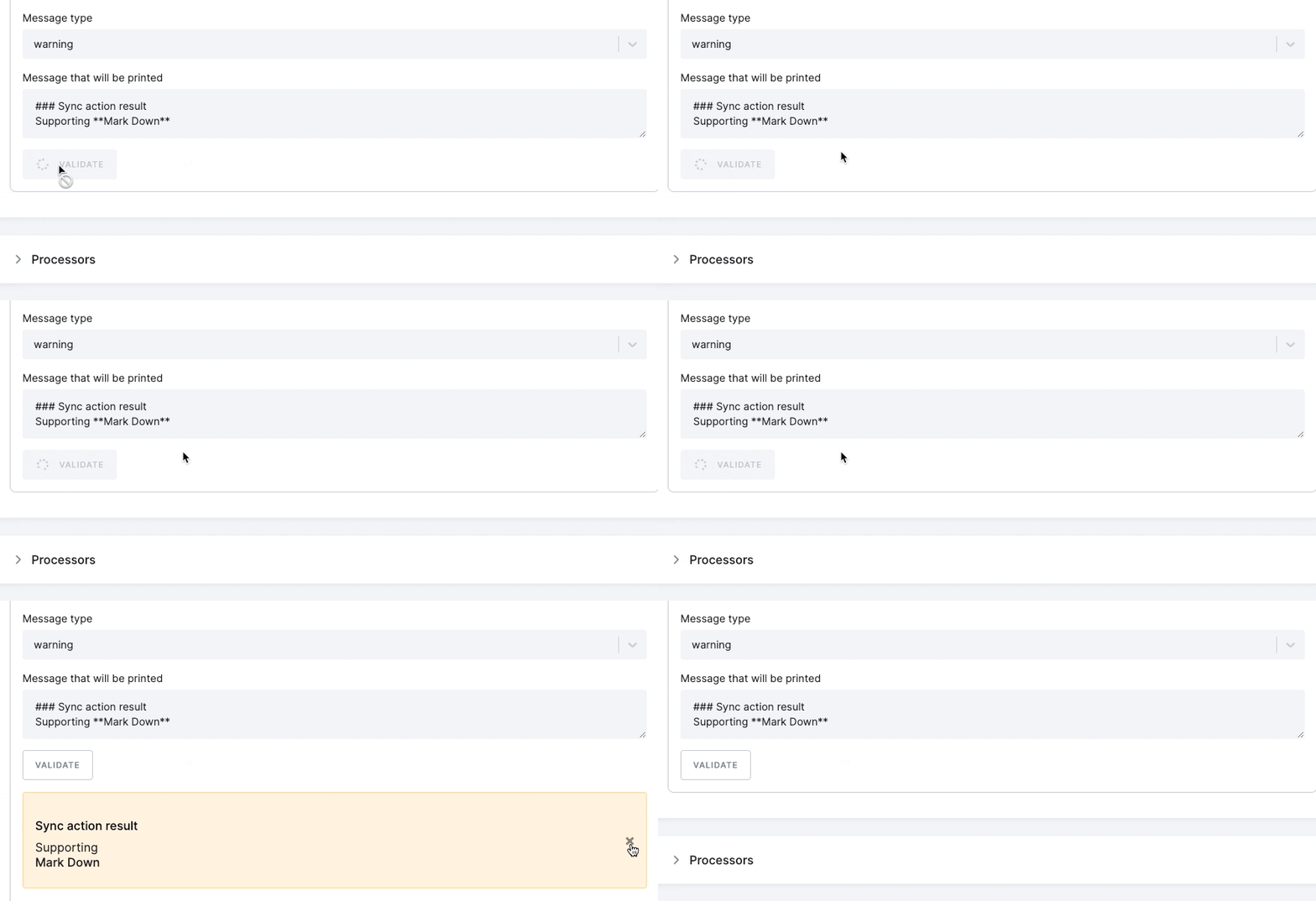
Section titled “Example”{ "validation_button": { "type": "button", "format": "sync-action", "propertyOrder": 10, "options": { "async": { "label": "Validate", "action": "validate_report" } } }}The above code will create the following element, which triggers the validate_report action:
Test Connection
Section titled “Test Connection”This button can be used for simple connection tests.
The sync action code has to return the following stdout (JSON string) or error (exit code >0):
{ "status": "success" // this is required and will never be other value than "success"}The name of this sync action always has to be testConnection.
When used in Python, the method does not need to return anything, or it can just throw an exception.
Example
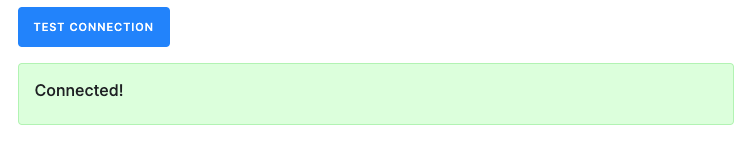
Section titled “Example”{ "test_connection": { "type": "button", "format": "test-connection", "propertyOrder": 30 }}The above code will create the following element, which triggers the testConnection action:
Autoload
Section titled “Autoload”All sync action types (buttons, select, and multi-selects) can automatically trigger the sync action if not defined on the UI page load.
Example
Section titled “Example”{ "endpoint": { "type": "string", "title": "Endpoint", "description": "Use the sync action to get a list of available endpoints.", "propertyOrder": 1, "options": { "async": { "label": "List Endpoints", "action": "listEndpoints", "autoload": [] } }, "items": { "enum": [], "type": "string" }, "enum": [] }}Additionally, a watch element can be set in an autoload array, which, when defined or changed, will trigger the sync action.
Example
Section titled “Example”{ "field_names": { "type": "array", "format": "select", "title": "Fields (optional)", "description": "List of field names to be downloaded", "propertyOrder": 2, "options": { "async": { "label": "List Fields", "action": "listFields", "autoload": [ "parameters.endpoint" ] } }, "items": { "enum": [], "type": "string" }, "uniqueItems": true }}The autoload option also enables caching loaded values by default, which can be disabled by setting the autoload.cache to false.
Example
Section titled “Example”{ "endpoint": { "type": "string", "title": "Endpoint", "description": "Use a sync action to get a list of available endpoints.", "propertyOrder": 1, "options": { "async": { "label": "List Endpoints", "action": "listEndpoints", "autoload": [], "cache": false } }, "items": { "enum": [], "type": "string" }, "enum": [] }}